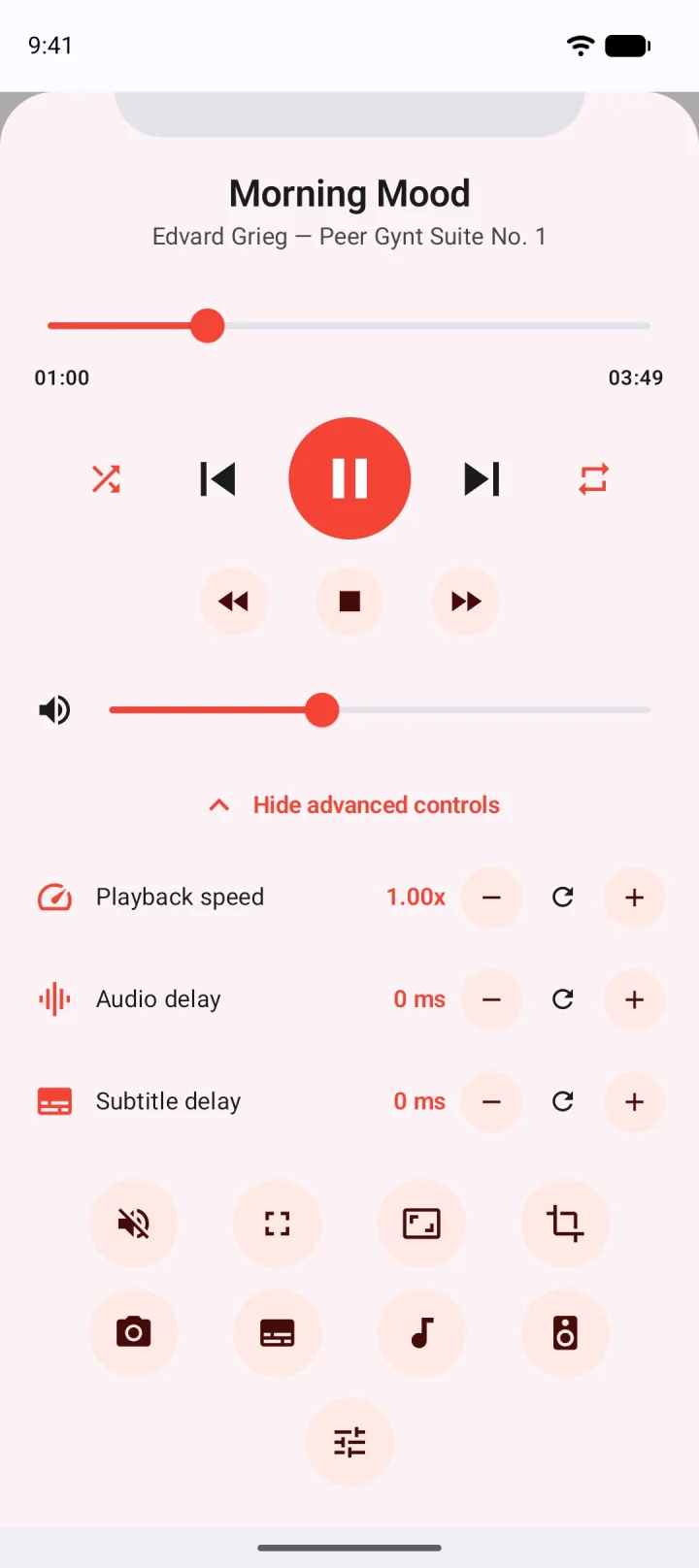
Advanced controls
Every control VLC has
Playback speed, audio and subtitle delay, fullscreen, aspect ratio, crop, snapshots, subtitle and audio tracks, and an equalizer.
Free For VLC on Windows, Mac, and Linux
Control VLC media player on your Windows, Mac, or Linux computer from your Android phone, and play your phone's music and videos on it.
Free · Android 6.0 and up · Works with VLC's web interface
What you get
Advanced controls
Playback speed, audio and subtitle delay, fullscreen, aspect ratio, crop, snapshots, subtitle and audio tracks, and an equalizer.
Browse PC
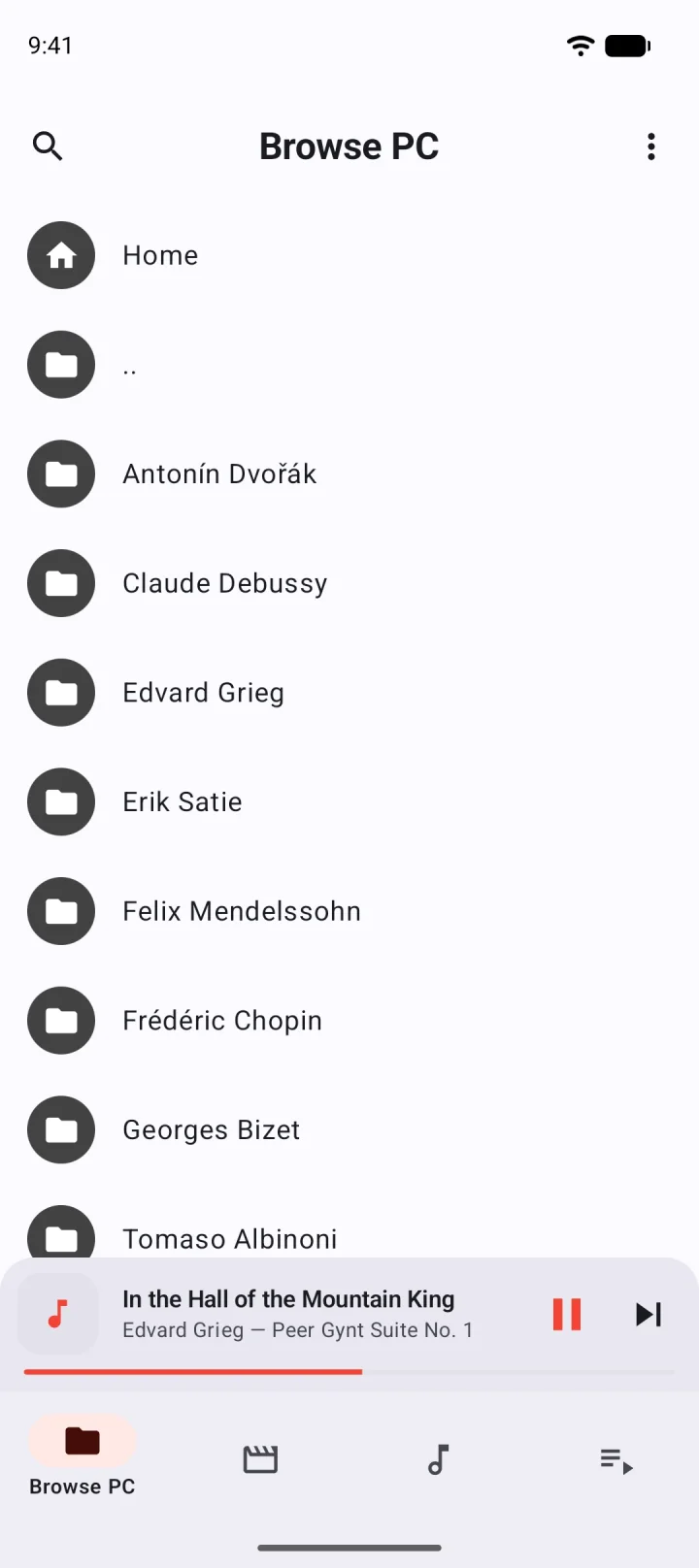
Open any folder on your computer and tap a file to play it in VLC, or long-press to add it to the playlist.
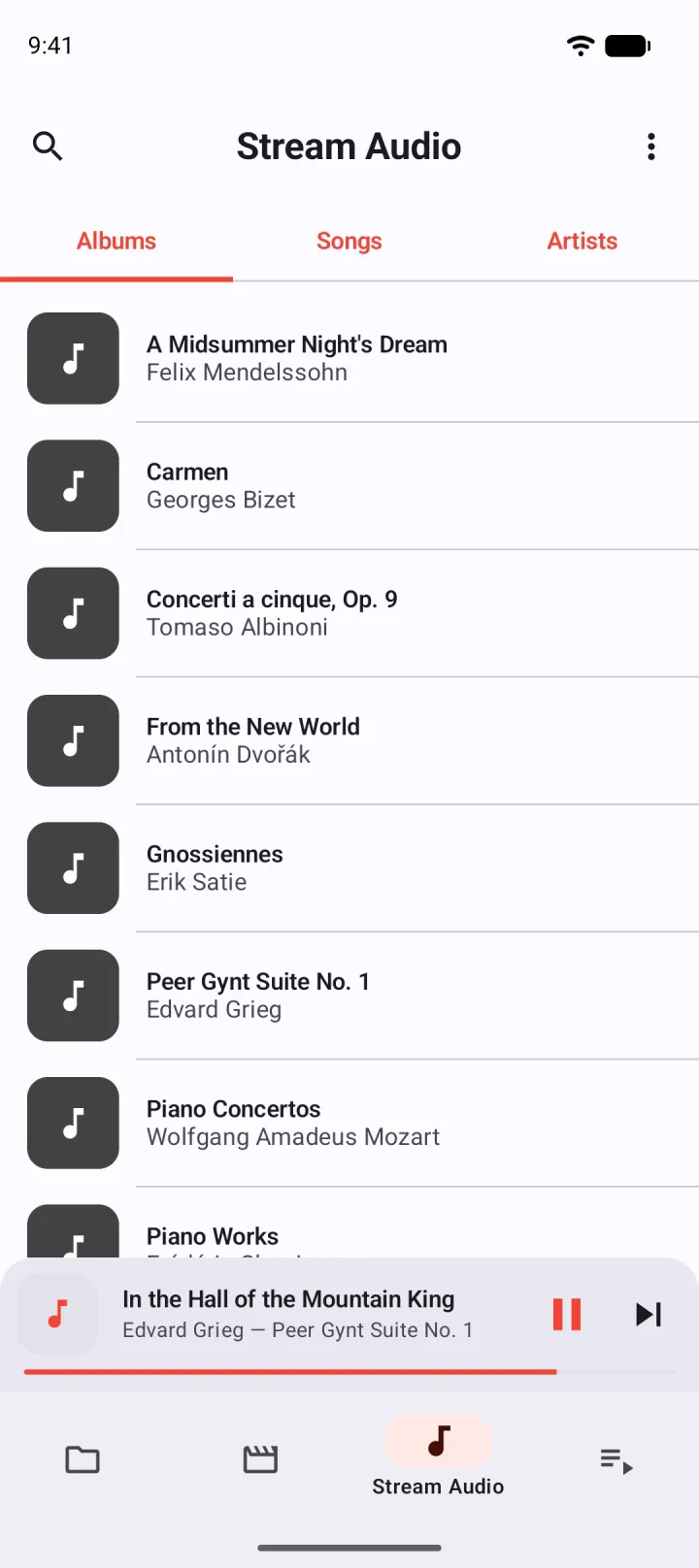
Stream from your phone
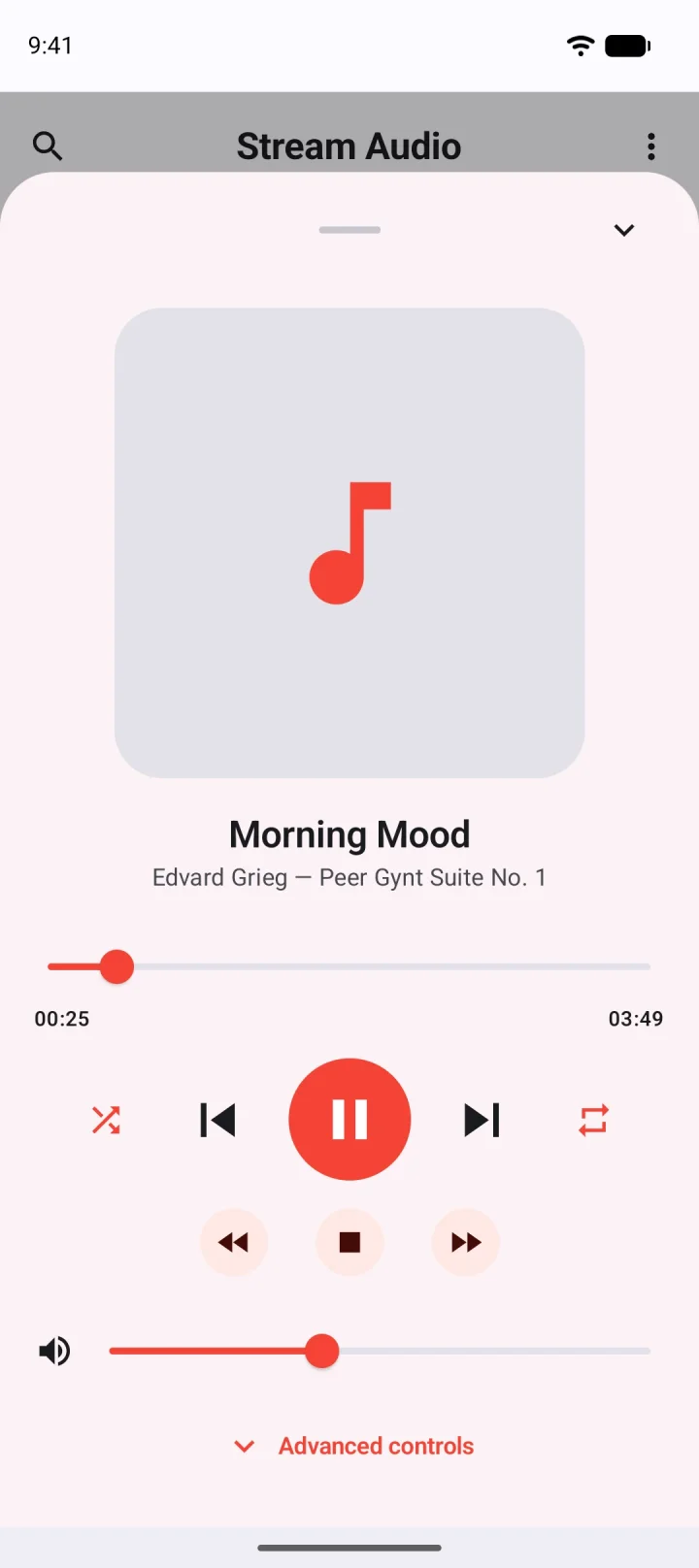
Play the songs and videos on your phone through VLC on your computer, by album, artist, folder, or title.
Play, pause, skip, seek, and set VLC's volume, with your phone's volume buttons too.
The app searches your Wi-Fi network for VLC, so most of the time there's nothing to type.
Save each computer running VLC, pick a default, and switch between them, on Windows, Mac, or Linux.
Set up once
Five steps in VLC's preferences, then open the app.
Read the Windows guide →Five steps in VLC's preferences, then open the app.
Read the Mac guide →Five steps in VLC's preferences, then open the app.
Read the Linux guide →Can't connect? Find your computer's IP address or see troubleshooting.
Questions
Yes, it's free on Google Play, with ads. A one-time Pro purchase removes the ads and adds keep screen on, notification controls, the equalizer screen, exact-value pickers for speed, delays, aspect ratio, and tracks, and the step settings.
No. VLC Stream and Remote is made by Lilium Apps, not by VideoLAN. It controls VLC media player through the web interface that comes with VLC.
In VLC, open the preferences, show all settings, tick Web under Main interfaces, and set a password under Lua. Restart VLC, put your phone on the same Wi-Fi, and open the app: it searches your network for VLC. The setup guides for Windows, Mac, and Linux show each step.
VLC's web interface uses port 8080 unless you change it. The password is the one you set in VLC's Lua settings, and the username stays empty.
Check that your phone and computer are on the same Wi-Fi network, that VLC is open with its web interface turned on, and that your firewall allows VLC. If VLC's page opens at http://localhost:8080 on the computer, enter the computer's IP address in the app yourself.
Yes. The Stream Audio and Stream Video tabs play the music and videos stored on your phone through VLC on your computer, over your Wi-Fi.
Yes. It works with VLC on Windows, Mac, and Linux, and can save several computers to switch between.
It works on your local network: your phone and computer need to be on the same Wi-Fi, or the computer connected to your phone's hotspot.
Android 6.0 and up.
The address and password of your VLC player stay on your phone. The app uses Google AdMob for ads, Google Play Billing for Pro, and Firebase Analytics and Crashlytics, which may collect information as described in the privacy policy.
Free on Google Play.
Get it on Google Play