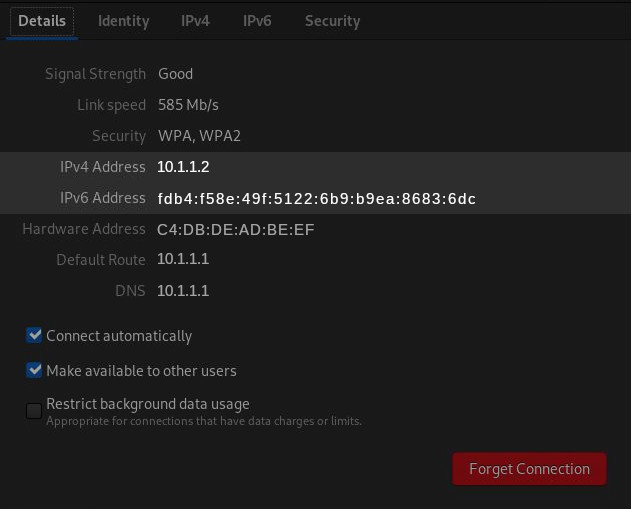
Find IP address
- Windows
- macOS
- Linux
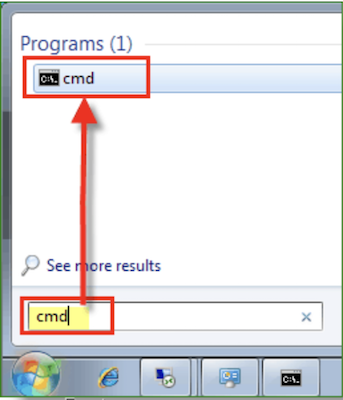
Open cmd prompt from search menu.
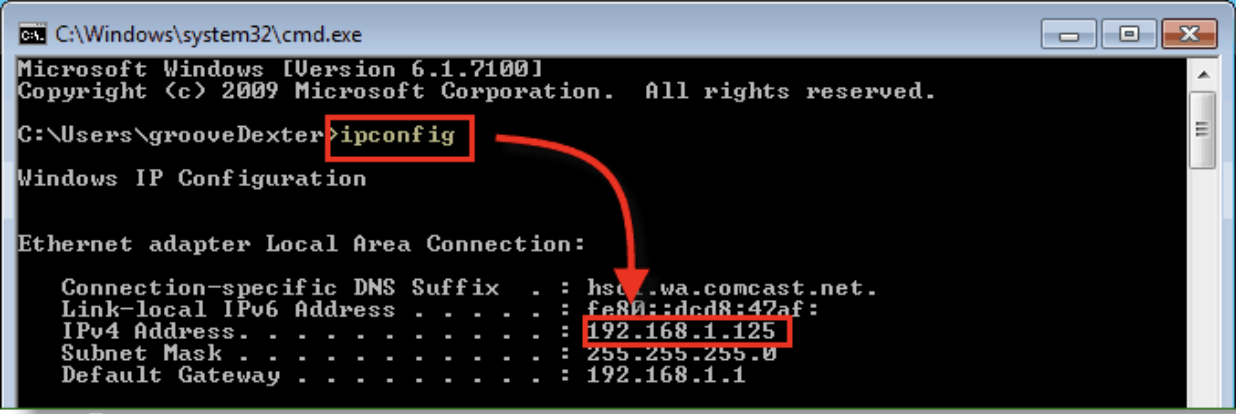
Type ipconfig and enter. you can find the IP address like shown in the picture. note down the IP address and configure it here
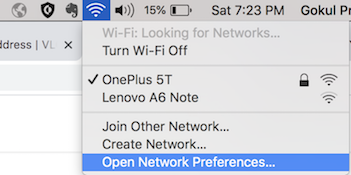
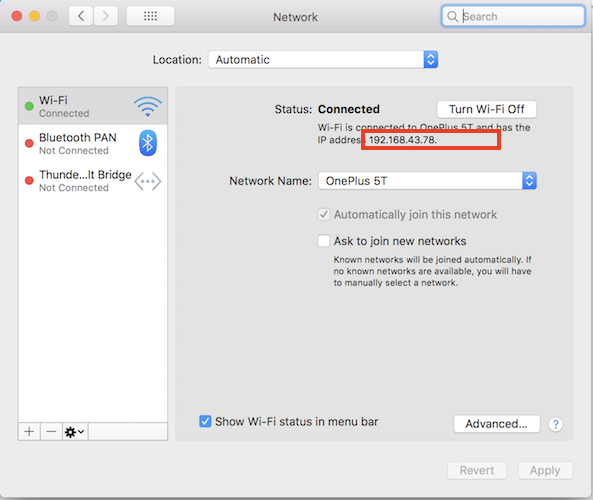
Click on network icon and open network preferences.
You can find the IP address like shown in the picture. note down the IP address and configure it here
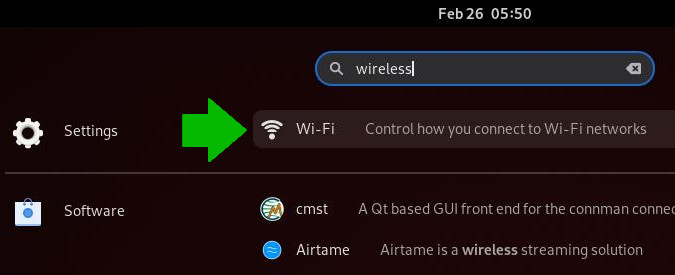
Search for wireless.
Click on the connected network.
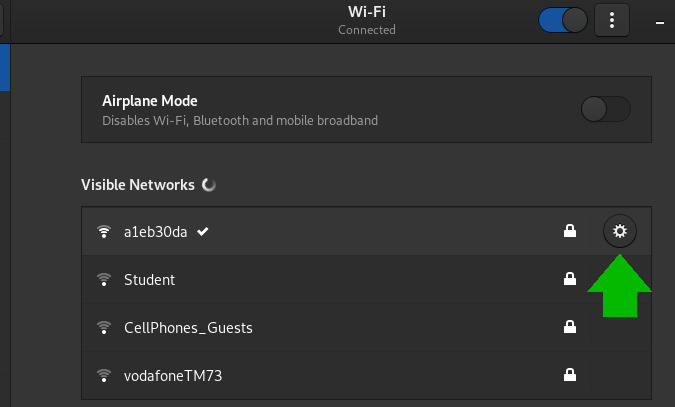
In the details tab, you can find the IPv4 address. note down the IP address and configure it here