Using the app
Getting around the app
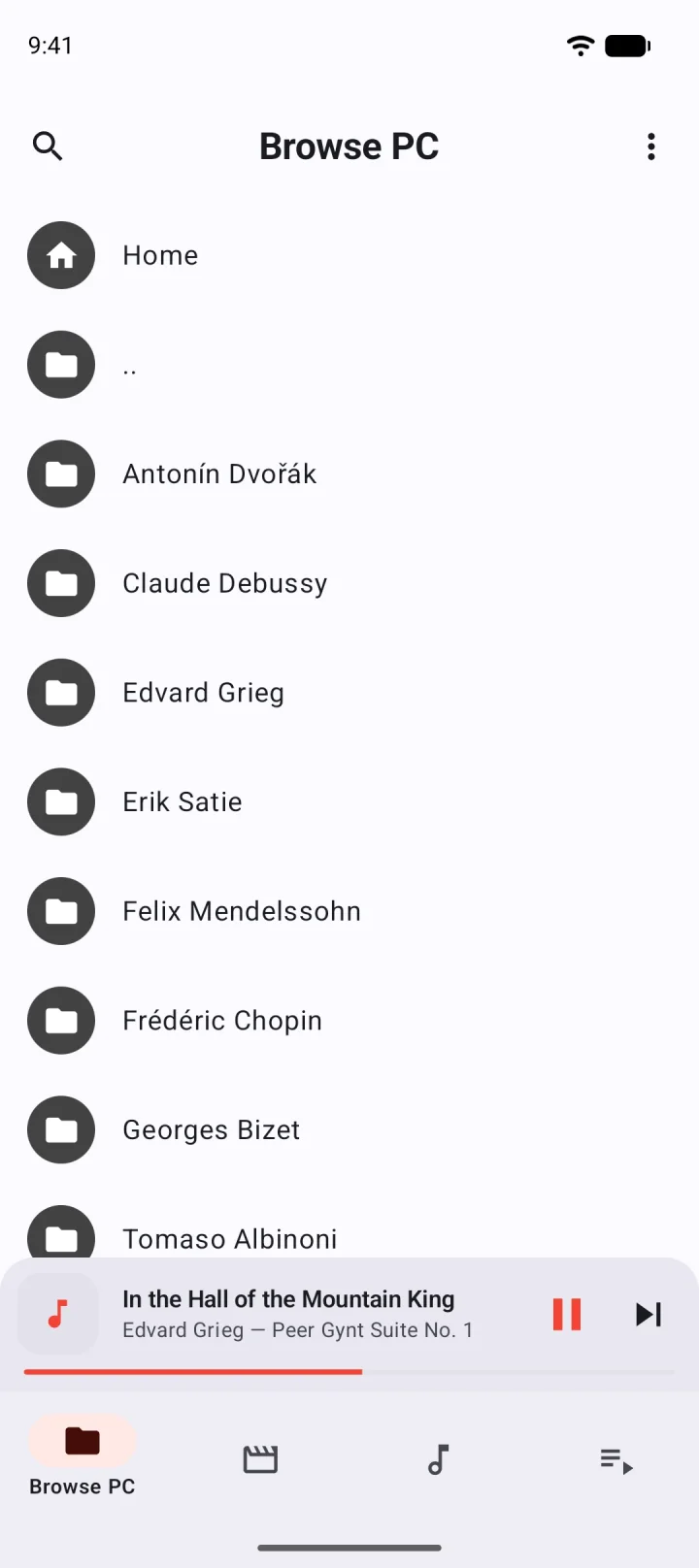
The tabs at the bottom of the app are where you'll spend most of your time:
- Browse PC: the files on your computer. Tap one to play it in VLC.
- Stream Video: videos on your phone, to play on your computer.
- Stream Audio: music on your phone, to play on your computer.
- Playlist: what VLC will play next.
Whatever VLC is playing shows in the mini player above the tabs, with play, pause, and next. Tap it to open the player controls.
Search at the top finds things in the tab you're on. The ⋮ menu has Choose Player (to switch computers), Settings, Buy pro, and ways to rate the app, send feedback, and share it.