Using the app
Browse your computer
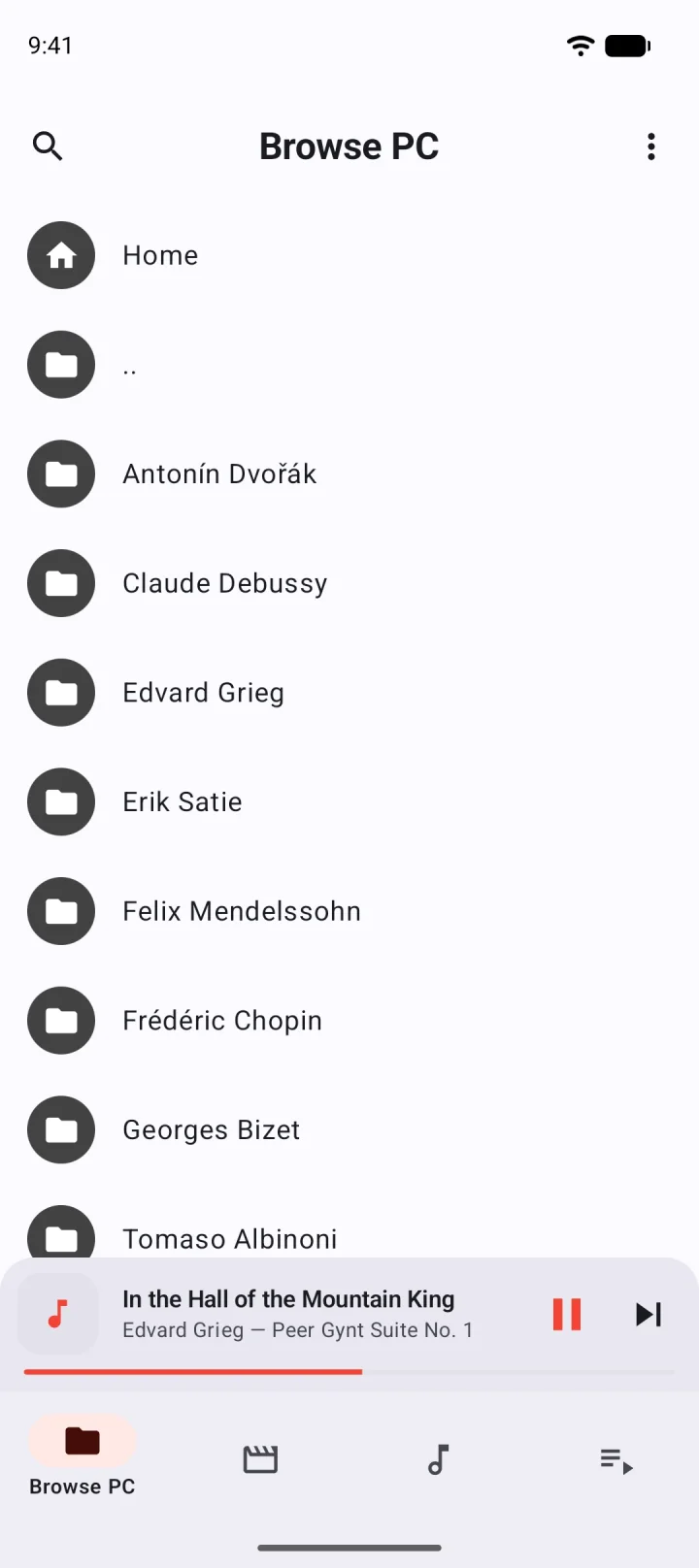
The Browse PC tab shows the files on the computer that VLC is running on.
- Tap a folder to open it, and press back to go up a folder. Home takes you back to the top.
- Tap a video or song to play it in VLC right away.
- Long-press a file or folder to add it to the playlist instead.
- Tap a subtitle file to load it into the video that's playing.
- Search finds files in the folder you're in.